
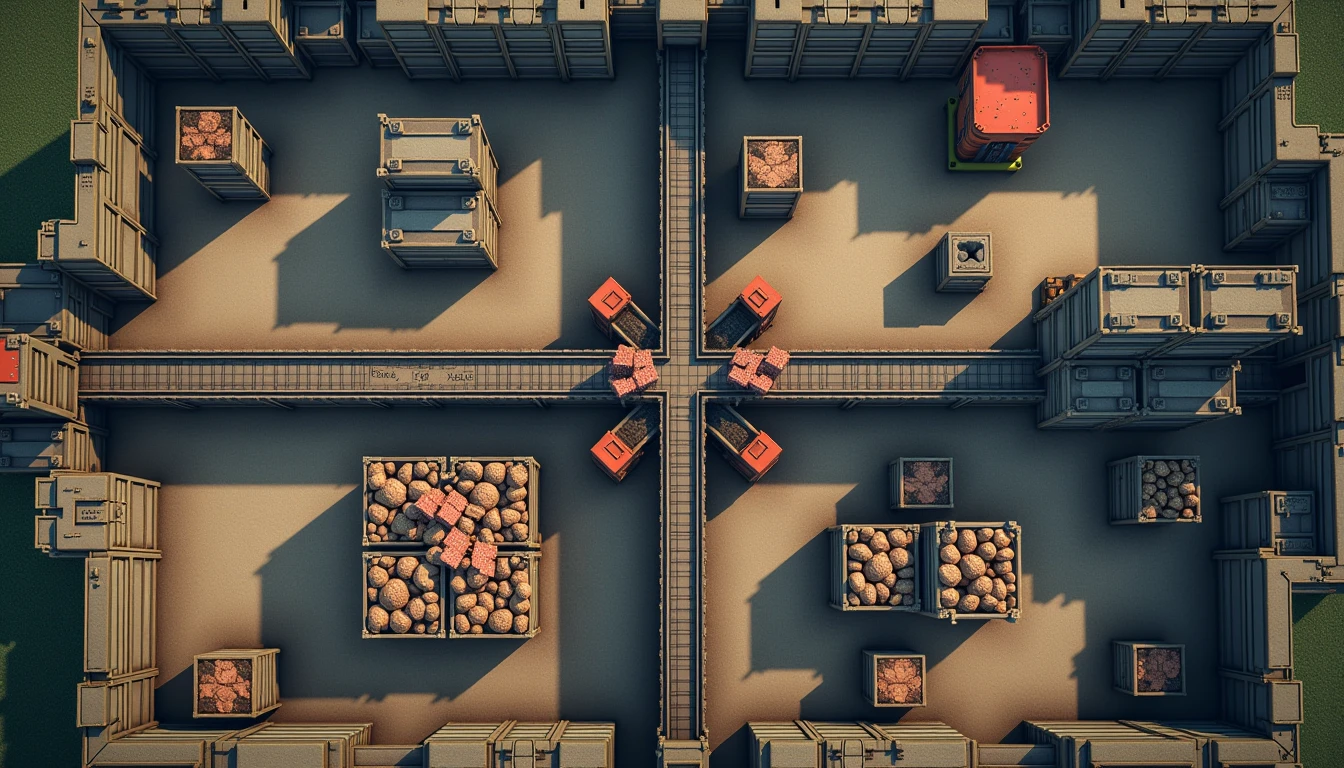
There is a particular frustration I run into every few weeks in a survival crafting game with a heavy base-building loop: the storage chests are full, the raw resource pile is plenty, and yet my base still feels slow. Characters walk past idle machines, items pile up in the wrong bin, and a session ends with me having produced almost nothing useful. If you have ever logged off thinking "I have so much stuff, why am I not getting anywhere?", this guide on how to manage resources in survival games is the one I wish someone had handed me years ago. The answer is almost never that I do not have enough. The answer is almost always throughput, layout, and chokepoints.
When Plenty of Resources Still Feels Wrong
For a long time, I assumed that having enough raw resources meant my base was working. It took me several painful restarts to learn that storage and throughput are different systems. Storage is how many of a resource you have sitting in chests. Throughput is how fast that resource actually reaches the machines and outputs that need it. A base can be drowning in materials and starving on flow at the same time.
Here is the mental model I now use whenever I open my storage screen and see a thousand units of wood, a hundred ingots, and yet my character is standing next to an idle workbench.
Storage full, throughput empty — the resources are present, but the path between them and the things that consume them is broken.
Walking distance eating the session — every minute spent running between chests and machines is a minute not spent crafting, fighting, or exploring.
Single chokepoints — one belt, one door, one chest capacity that the entire base funnels through. When it backs up, the whole base stops.
Machines idle while inputs sit nearby — the inputs are technically present but the routing does not deliver them on time.
When any of those are true, more resources will not help. I have dumped hundreds of extra ingots into a base and watched it produce the same slow trickle. The diagnosis has to happen first, the resource dump second. Here is what I'd do: I open the resource view, find the one chain that is supposed to be running, and look at it end to end before adding anything to any chest.
The Difference Between "I Have Enough" and "I Have Enough in the Right Place"
The phrase "I have enough" is doing a lot of work in our heads. In my experience, having enough means having enough in the right place, at the right speed, in the right quantity. A chest of copper ingots on the far side of my base is not the same resource as a chest of copper ingots next to my forge. The distance and the routing are part of the resource itself, even though they do not show up in the inventory screen.
This is also where my day-job instincts sneak in. The first thing I check in any workflow is whether the bottleneck is supply, transport, or destination. If the inputs are present, the destination is hungry, and yet nothing is moving, the answer is almost always transport. That single shift in thinking is what turned my bases from a museum of unused machines into systems that actually produced things.
Reading the Symptoms
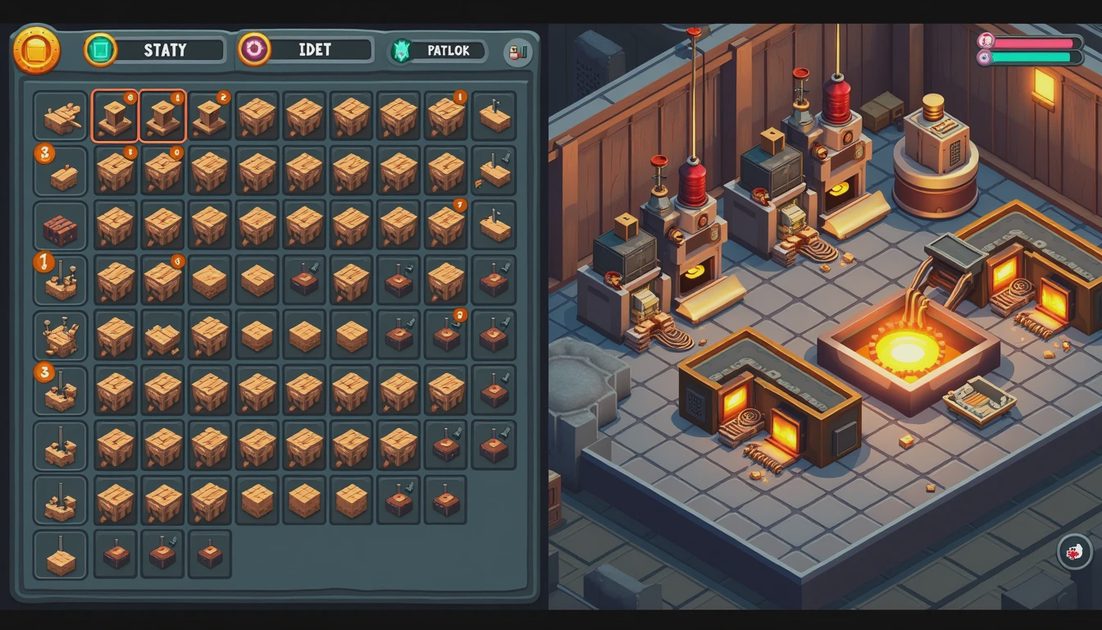
Once I started paying attention, I noticed that inefficient bases almost always announce themselves through the same handful of symptoms. The trick is to read those symptoms as a system rather than treating each one as a separate annoyance. That habit, more than any other single change, is how to manage resources in survival games without feeling like every storage chest is somehow betraying you.
Here is the symptom table I built up across dozens of playthroughs. Whenever I see one of these on screen, I check the matching cause before I rebuild anything.
Symptom I Notice | Likely Cause | Fix That Usually Works |
|---|---|---|
Machine shows idle but inputs are in nearby chests | Routing belt or path does not reach the machine | Extend or reroute the belt, or move the chest one tile closer |
Items pile up on the ground at a junction | Output belt is slower than the upstream stages | Widen the output belt or split the output to two destinations |
Walking between buildings takes longer than the crafting itself | Single hodgepodge layout with no zoning | Group machines by chain stage and place one chest per stage |
A chokepoint chest fills up and stalls every chain behind it | No buffer storage and no parallel output | Add a second chest downstream and split the output flow |
Resources abundant but consumable output is tiny | Missing assembly or consumable stage at the end of the chain | Build the missing stage and connect it to the upstream output |
Production looks healthy but inventory of finished goods never grows | Output consumed by another slow stage downstream | Audit each downstream stage for its own bottleneck |
When I scan the table for the symptom I am seeing, the cause column usually narrows the problem down to two or three possibilities. The fix column gives me a place to start before I commit to a rebuild.
How to Use the Table in Practice
Most weeknight sessions do not give me enough time to redesign a base from scratch. So I do not try to. Instead, I pick the single symptom that is bothering me the most, look up the matching row, and apply only the fix from the third column. I rarely fix the whole base in one night, and that is fine. A single fix, applied once per night, adds up to a base that quietly becomes functional over a few sessions.
The table also helps me avoid the worst reflex of all: tearing the base down and starting over. In my experience, a teardown almost always loses progress you cannot recover, and the new layout usually has the same underlying chokepoint just in a different place. The symptoms table is a repair manual, not a redesign prompt.
Three Layout Mistakes I Stopped Making
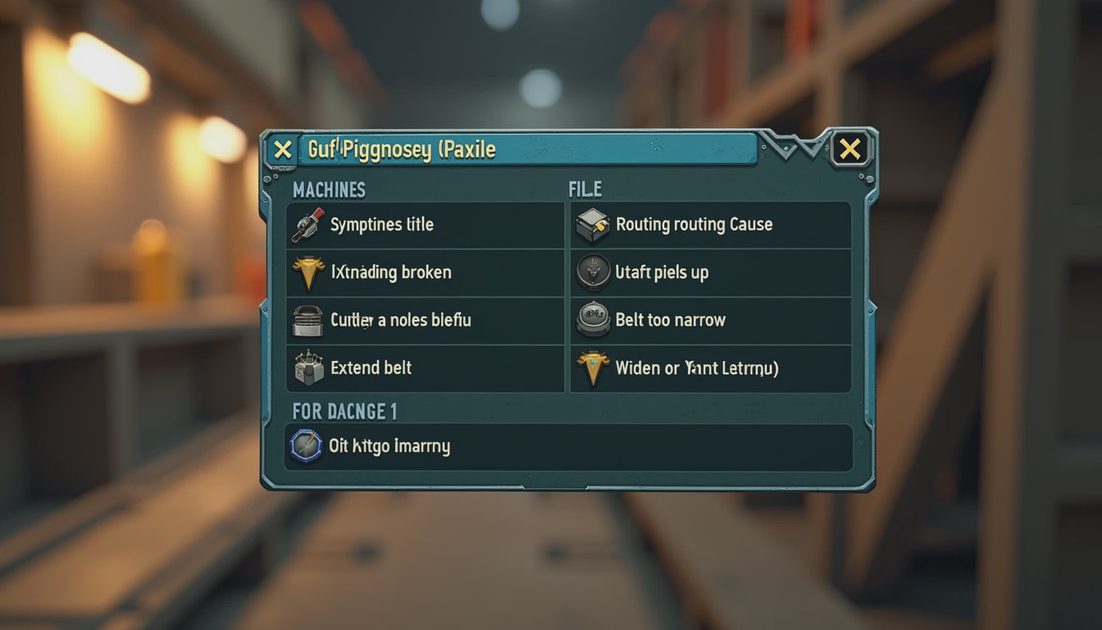
Every inefficient base I have ever built has shared one of three layout mistakes. Calling them out by name makes them easier to spot the next time I start a fresh save file.
The first is the single-chokepoint base. Everything funnels through one belt, one chest, or one door, and when that point clogs the whole base stops. The fix is to draw your chain on paper first and intentionally create two or three places where flow can split. Splitting does not waste space; it makes the rest of the layout robust to slowdowns.
The second is the no-zone base. Machines, chests, and crafting stations are scattered across the map with no clear grouping. The result is that I spend most of the session walking. Zoning by chain stage — raw storage in one area, processing in another, assembly near the exit — cuts the walking distance in half and makes the base legible at a glance. Keep it simple: if I cannot describe my base in one sentence, the layout is probably fighting me.
The third is the wrong-ratio base. I build five smelters but only one forge, and then wonder why the smelters are always idle. Ratios matter more than raw machine count, and a chain only produces as fast as its slowest stage. Whenever I plan a new section, I size every stage to match the slowest one I already have, then add one buffer. That alone has lifted more of my output than any specific recipe tweak.
A Short Diagnostic Routine for Idle Machines
Idle machines are the loudest symptom in any base, so I treat them as a starting point rather than a problem in themselves. When I see one, I run a five-step routine.
Identify the machine that is idle and the resource it expects.
Find the nearest chest or source that contains that resource.
Check whether a belt, pipe, or path actually connects them.
If the connection is fine, check the output: where do the machine's products go, and is that destination ready to receive them?
If the destination is fine, the machine is probably starved by an upstream stage. Walk the chain backward until you find the actual bottleneck.
Five steps, applied every time I see an idle machine, has saved me more materials than any guide I have ever read. The discipline is not glamorous, but it is how to manage resources in survival games without the base slowly grinding to a halt every few sessions. Treat your base as a system you are tuning, not a building project you are finishing, and the inefficient feeling fades session by session.